A Simple Safety System Built Around Your People
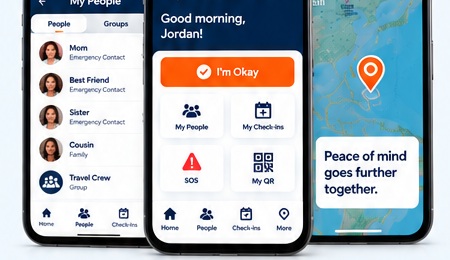
Set up your profile, choose who you trust, check in on your schedule, and get help when you need it.
Set Up Your Profile
Add basic information, emergency details, and choose what can be visible in an emergency.
Add My People
Invite the trusted contacts who should receive your safety alerts.
Check In
Use I’m Okay manually or, on paid plans, let scheduled check-ins watch the clock for you.
Stay Connected
Your People can see permitted status information and coordinate when an alert needs attention.
Get Help
Use SOS or let a bystander scan your QR to start the same synchronized emergency flow.
One Scan. Reach Their People.
Anyone can scan your QR code to view only the emergency information you chose to share and alert your People — no app, account or login required. Traveling abroad? The profile also includes your country's local embassy or consulate.
Learn About QR Access →